

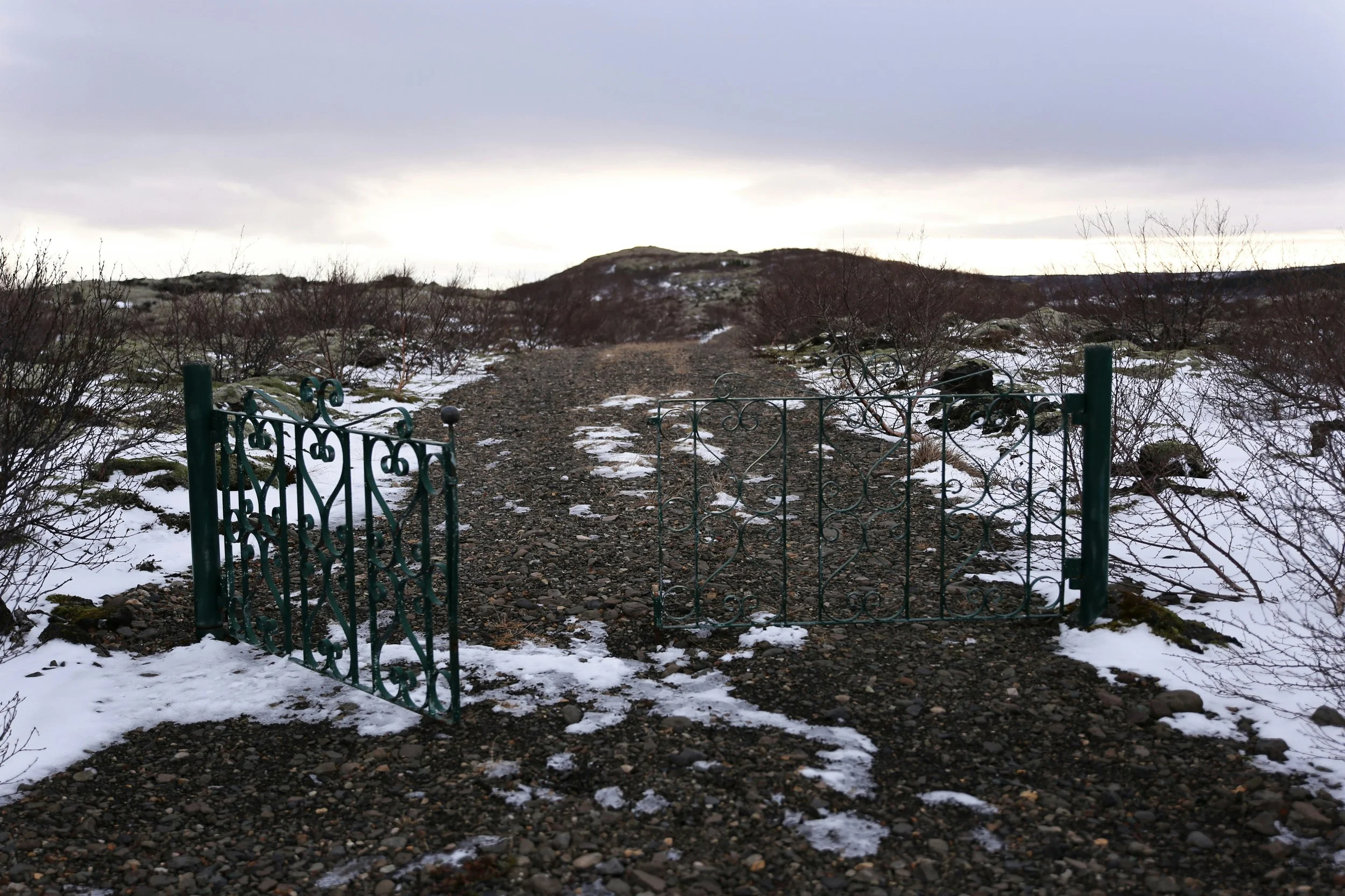
Traditionally, Lent invites us to enter the wilderness, confront our mortality, and sit with our brokenness. This year, we will navigate that wilderness using the framework of psychotherapist Francis Weller’s Five Gates of Grief. Weller reminds us that sorrow is not a disease to be cured, but a vital apprenticeship that expands our capacity for joy.
In Part One: Entering the Wilderness, we will cross the initial thresholds of loss and shame. Together, we will acknowledge the things we love but will inevitably lose, and turn with compassion to the hidden, unloved places within our own hearts.
In Part Two: From Lament to Resurrection, we will widen our circle of awareness. Together, we will make room for the sorrows of the world, our unmet expectations and the heavy burdens of ancestral grief.
By integrating modern psychology with ancient spiritual practice, these sessions invite us to carry both grief and gratitude in tandem, preparing our hearts for the ultimate transformation of Easter.
There are two groups you can sign up for, to help keep groups to a maximum 25 each.
Dates:
Group 1: Tuesday 9 February & 16 March
Group 2: Wednesday 10 February & 17 March
When:
Group 1: 18:30- 20:30 GMT
Group 2: 12:00-14:00 GMT
Where: Online
Cost: £50 for non-members, £40 for members
Jessica Davies

Jessica grew up in the Wicklow Mountains in Ireland, and spent her teenage years divided between rural Dorset and New York City. Having lived in London for thirty years, she is interested in how we can live well, wherever we are.
With over twenty years' experience working in the charitable sector, she was drawn to train with Re-Vision: Counselling and Psychotherapy with a Soulful Perspective, because of their understanding that counselling and psychotherapy are vital for transformation in troubled times. For more information about Re-Vision, please click here. She is a trained Spiritual Director.
FAQ
-
After booking your event you’ll receive an automatic confirmation email that contains your unique Zoom link. Please check your inbox (and spam folder, just in case) for this email.
You will also receive a reminder email 48 hours before the event and one hour before.
You do not need a Zoom account to join. On the day of the event, simply click the Zoom link in your confirmation email. This will open the Zoom app or website, where you’ll be able to join the event. Be sure to log in a few minutes early to make sure everything is set up!
-
Handouts, if provided, will be shared with you via a link in both your confirmation and reminder emails. The link will direct you to a folder in Google Drive where you can download the materials. To download the handouts:
Click the link in your email to access the folder.
Once in the folder, find the documents listed.
Click on the document you want to download and look for the "Download" option (usually in the top-right corner of the screen).
Select Download, and the file will be saved to your device.
Any handouts made available after the event will be added to this folder.
We strive to provide handouts for each event that it is appropriate for, but please note that some speakers may not provide them. If handouts are available, they will be uploaded to the folder at least 48 hours before the event. Be sure to check the folder ahead of time to ensure you have everything you need!
-
Yes, you can reschedule your booking through the confirmation email. Just click the "Reschedule" link and choose a new time. Please note that rescheduling is subject to availability.
To cancel your booking, simply follow the link in your confirmation email and you’ll find an option to cancel your appointment. Cancellations and refunds are only available before the event starts.
-
If you’re having trouble joining the event, first try checking your internet connection or restarting your Zoom app. If issues persist, please contact us immediately via email at info@lcsd.org.uk, and we’ll try to help troubleshoot or provide an alternative solution.
-
Click on the “Book” button on the page.
Enter your personal information (name, email, etc.) and click “Continue to Payment” button.
On the payment page, fill in your payment details.
Under “Order Summary” you’ll see a field labelled “Package, gift, or coupon code”
Enter your code and click Apply.
Once applied, you should see your 20% member discount reflected in the total amount.
Follow the prompts to finalise your payment and booking. You’ll receive a confirmation email with all the details of your event.