

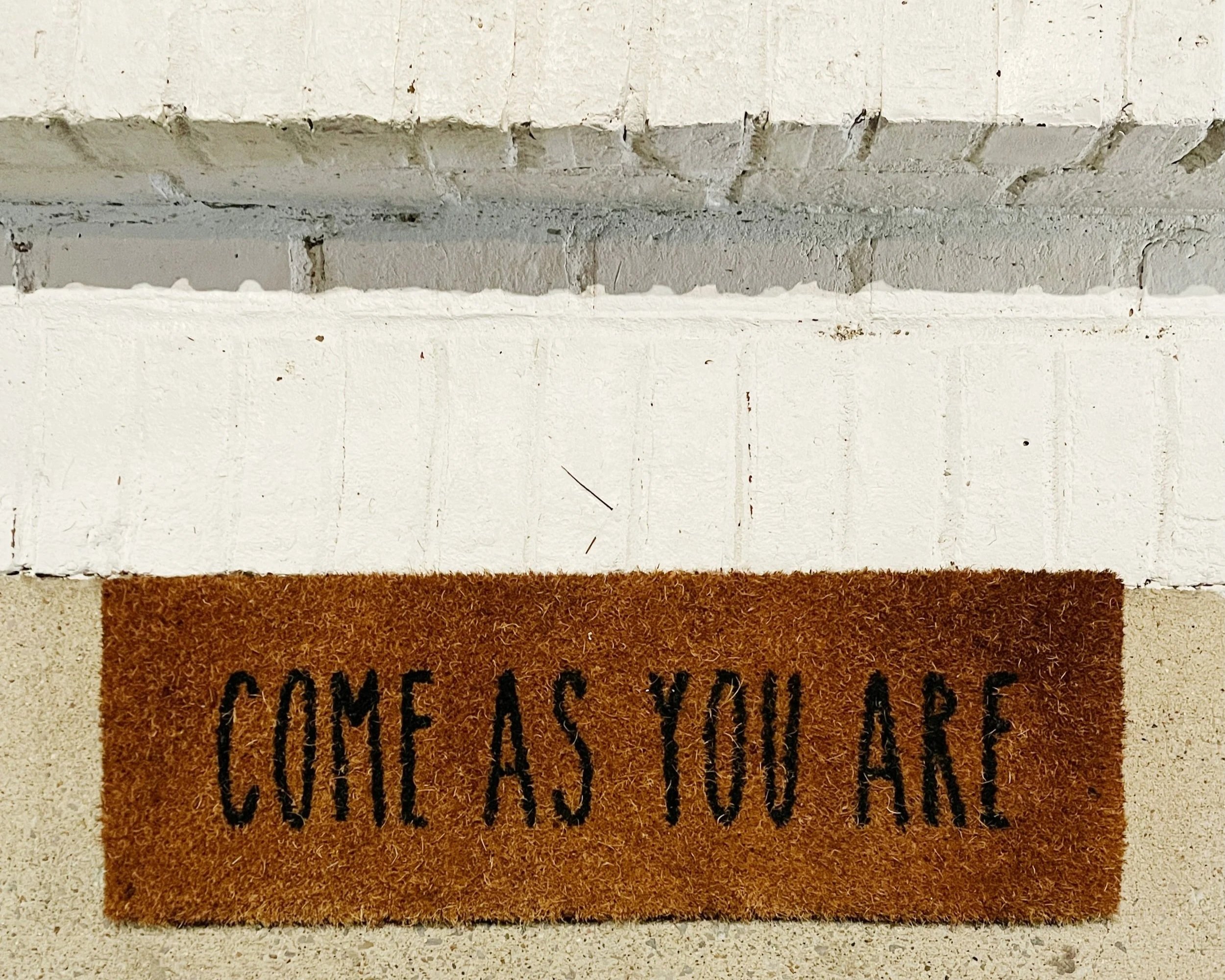
How do we become more of an authentic welcoming presence?
Hospitality is at the heart of Spiritual Direction. We are offered unceasing hospitality by the Great Accompanier, and we attempt to extend this to all we encounter, individuals and groups. Jesus is our exemplar and the gospels tell us that because of the hospitality he gave, people and communities were transformed, the impact of which rippled across two centuries to now.
This session is an introduction to Accompanying Difference.
First, we will explore Difference from three viewpoints: creation, gospel, and society. Afterwards we will attend to how we relate personally to Difference and where it shows up in our lived experience.
Second, we will focus on Accompanying and consider, with ourselves and directees in mind, the hospitality we offer in terms of strengths, desires, hindrances, and invitations.
Third, we will discuss the spiritual practices, ancient and modern, that cultivate unceasing hospitality in us to become a more consistent authentic welcoming presence in the charism and ministry of Spiritual Direction.
Date: Friday 18 June 2027
When: 10:00 - 15:00 GMT
Where: Online
Cost: £60 for non-members, £48 for members
Grace Owen

Born in London to Ghanaian parents, Grace trained as a Spiritual Director at LCSD (2016- 2019). Professionally she had a three-decade long career in global leadership development, which included ten years as a non-executive director. Grace is a published life writer, and she has led retreats and quiet days at the Royal Foundation of St Katharine’s. Enthusiastic about learning, formation, training, education, and discipleship, she commenced a part-time MA in Christian Spirituality at Sarum College, Salisbury (2025-2029). Living in London with her husband and adult son, Grace works at the intersection of spirituality, leadership, and justice for the greater flourishing of people and planet. She enjoys art, culture, heritage, and music whenever she can!
FAQ
-
After booking your event you’ll receive an automatic confirmation email that contains your unique Zoom link. Please check your inbox (and spam folder, just in case) for this email.
You will also receive a reminder email 48 hours before the event and one hour before.
You do not need a Zoom account to join. On the day of the event, simply click the Zoom link in your confirmation email. This will open the Zoom app or website, where you’ll be able to join the event. Be sure to log in a few minutes early to make sure everything is set up!
-
Handouts, if provided, will be shared with you via a link in both your confirmation and reminder emails. The link will direct you to a folder in Google Drive where you can download the materials. To download the handouts:
Click the link in your email to access the folder.
Once in the folder, find the documents listed.
Click on the document you want to download and look for the "Download" option (usually in the top-right corner of the screen).
Select Download, and the file will be saved to your device.
Any handouts made available after the event will be added to this folder.
We strive to provide handouts for each event that it is appropriate for, but please note that some speakers may not provide them. If handouts are available, they will be uploaded to the folder at least 48 hours before the event. Be sure to check the folder ahead of time to ensure you have everything you need!
-
Yes, you can reschedule your booking through the confirmation email. Just click the "Reschedule" link and choose a new time. Please note that rescheduling is subject to availability.
To cancel your booking, simply follow the link in your confirmation email and you’ll find an option to cancel your appointment. Cancellations and refunds are only available before the event starts.
-
If you’re having trouble joining the event, first try checking your internet connection or restarting your Zoom app. If issues persist, please contact us immediately via email at info@lcsd.org.uk, and we’ll try to help troubleshoot or provide an alternative solution.
-
Click on the “Book” button on the page.
Enter your personal information (name, email, etc.) and click “Continue to Payment” button.
On the payment page, fill in your payment details.
Under “Order Summary” you’ll see a field labelled “Package, gift, or coupon code”
Enter your code and click Apply.
Once applied, you should see your 20% member discount reflected in the total amount.
Follow the prompts to finalise your payment and booking. You’ll receive a confirmation email with all the details of your event.